Colour Grade in Five Steps (without making it weird)
A calm, repeatable grading order: balance, exposure, contrast, skin, then look. Works in Resolve, Premiere or anything else.
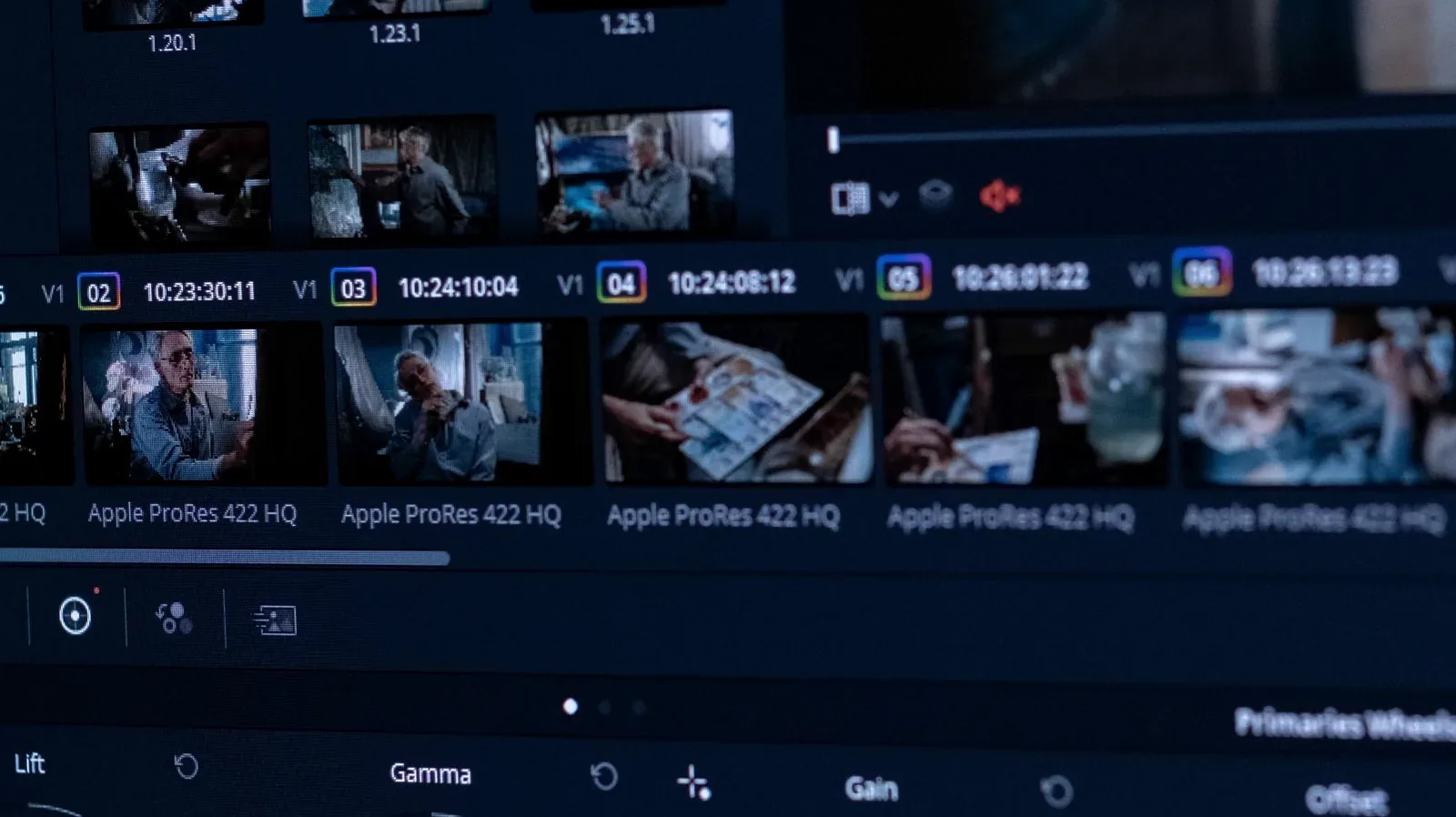
Grades go “weird” when the order is wrong, not when the tools are. Use this order and every step stays small enough to undo in your head.
- Balance first. White balance and tint until neutrals are neutral. Use a scope, not your memory of the room.
- Exposure second. Set the middle of the image, not the highlights. Faces live in the middle.
- Contrast third. Gentle S-curve. If you can see the curve working, it is too much.
- Skin fourth. Check skin on the vectorscope and on a phone screen. Both must agree.
- Look last. Only now add the tint or LUT that makes it yours — at half the strength you first want.
Why this order saves hours
Each step assumes the previous one is true. Balance before exposure, because exposure judged on a colour-cast image is wrong. Look last, because a look applied to an unbalanced clip amplifies every mistake under it.
See the order applied
Short demonstration of the five steps on one interview clip (video loads only when you click):

A Logo That Works at 16 Pixels: the four tests we run
Favicon, stamp, embroidery, mono fax: the four brutal tests that separate a logo from a drawing. Includes a size ladder…

From Manuscript to Ebook: the five decisions that matter
Before any design happens, five decisions decide whether your ebook reads well. A plain checklist for authors and organ…